

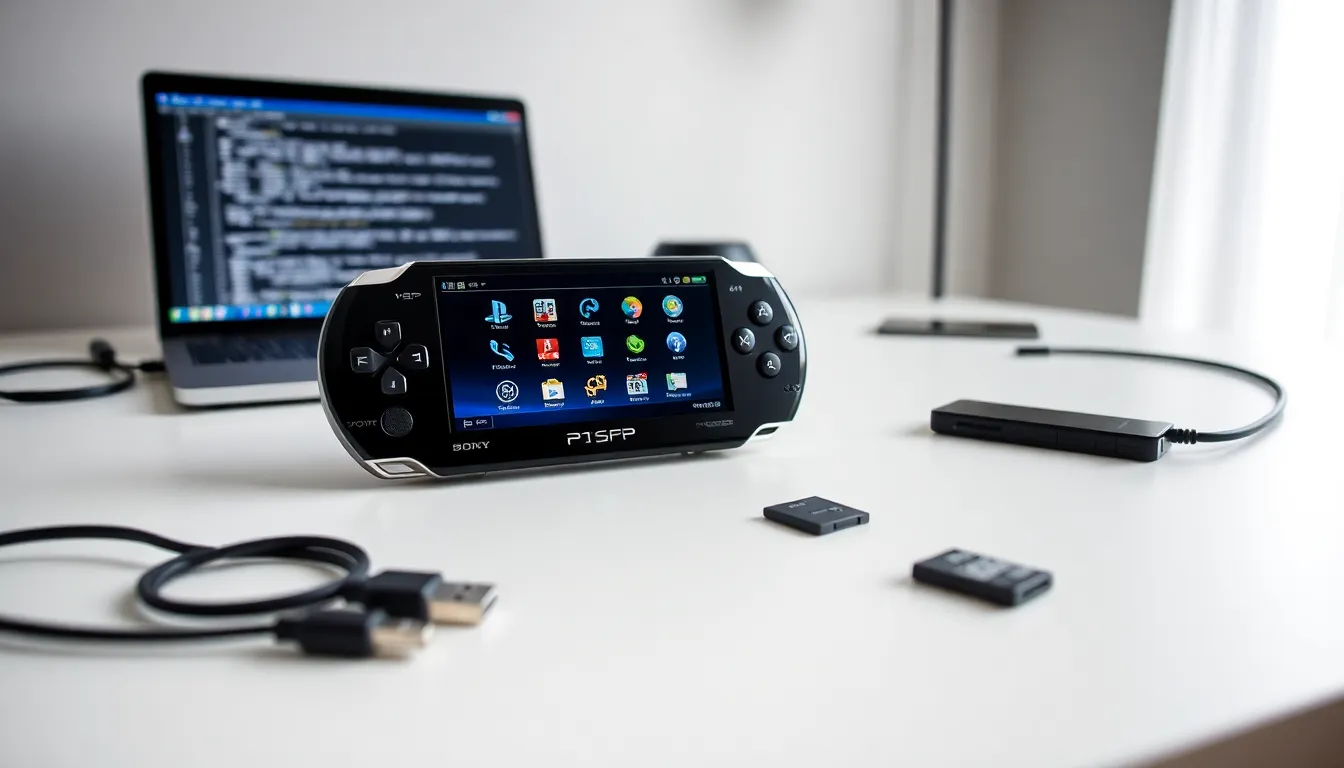
PlayStation Portable tools help users get more from their handheld gaming device. Sony’s PSP remains popular among retro gaming enthusiasts and collectors who want to maximize its potential. The right utilities can transform a basic PSP into a powerful media center, gaming hub, and development platform.
This guide covers the essential PlayStation Portable tools every PSP owner should know. From firmware management to homebrew development, these utilities unlock features that Sony never intended. Whether someone owns an original PSP-1000 or a later model, these tools provide practical solutions for common tasks.
Table of Contents
ToggleKey Takeaways
- PlayStation Portable tools like PRO CFW, ME CFW, and LME CFW enable custom firmware installation, unlocking features beyond Sony’s original software.
- ISO management tools such as USB ISO Loader and ISO Tool let users backup games, reduce load times, and save memory card space with compressed files.
- Media conversion utilities like PSP Video 9 and Handbrake transform videos into PSP-compatible formats, turning the device into a portable media center.
- Homebrew development tools including PSPSDK and emulators extend the PSP’s capabilities with custom games, classic gaming emulation, and unique applications.
- System management PlayStation Portable tools like Recovery Menu and PSP Filer help maintain performance and organize content efficiently.
- Custom themes, plugins, and utilities keep the PSP community thriving, with new homebrew projects still being released today.
Firmware and System Management Tools
Firmware management forms the foundation of any PSP customization project. Custom firmware (CFW) replaces Sony’s official software and enables additional features. The most popular PlayStation Portable tools for firmware include PRO CFW, ME CFW, and LME CFW.
PRO CFW works on all PSP models and firmware versions. It supports ISO loading, homebrew applications, and plugin functionality. Users can install PRO CFW through a simple exploit without permanent modifications to their device.
ME CFW offers similar features with some performance improvements. This firmware runs slightly faster on older PSP-1000 and PSP-2000 models. Many users prefer ME CFW for its stability and compatibility with older games.
LME CFW combines features from both PRO and ME versions. It provides excellent compatibility across different PSP models. LME also receives regular updates from its development community.
System management tools help users maintain their PSP’s performance. Recovery Menu allows access to advanced settings and troubleshooting options. PSP Filer serves as a file manager for organizing content on memory cards. These PlayStation Portable tools make daily management tasks much easier.
Backup utilities protect important data from loss. Users can save game progress, system settings, and custom configurations. Regular backups prevent frustration when problems occur.
Game Backup and ISO Management Software
Game backup software lets PSP owners create digital copies of their physical UMD discs. This process preserves games and eliminates the need to carry multiple discs. Several PlayStation Portable tools handle this task effectively.
USB ISO Loader reads game data directly from memory cards. It eliminates loading times associated with UMD drives. Games stored as ISO files often run faster and quieter than disc-based versions.
ISO Tool compresses and manages game backups efficiently. It converts games between different formats like ISO and CSO. Compressed CSO files save valuable memory card space without sacrificing quality.
Game Categories organizes large game libraries into folders. Users can sort games by genre, series, or personal preference. This PlayStation Portable tool makes finding specific games much faster.
POPSLoader enables PlayStation 1 game compatibility on PSP. It loads PS1 games that might not work with default settings. Different POPS versions support different games, so experimentation may be necessary.
CWCheat provides cheat code functionality for PSP games. It works with most commercial and homebrew titles. Users can find cheat databases online or create custom codes.
These PlayStation Portable tools require custom firmware to function properly. Users should only backup games they legally own. Digital preservation helps protect gaming history for future generations.
Media Conversion and Transfer Tools
The PSP functions as a capable media player beyond gaming. Media conversion tools prepare videos, music, and images for PSP playback. Several PlayStation Portable tools simplify this process.
PSP Video 9 converts videos to PSP-compatible formats automatically. It handles most common video formats including AVI, MP4, and MKV. The software optimizes resolution and bitrate for the PSP’s screen.
MediaGo replaced Sony’s original media management software. It transfers music, videos, and podcasts to PSP devices. The application also manages PlayStation Store purchases and downloads.
Handbrake offers advanced video conversion options. Users can fine-tune quality settings for optimal results. This open-source tool produces excellent PSP-compatible video files.
Any Video Converter provides a simple interface for beginners. It includes preset profiles specifically for PSP output. The free version handles most conversion needs adequately.
File transfer tools move content between computers and PSP devices. USB connection remains the fastest method for large files. Wi-Fi transfer works well for smaller files when cables aren’t available.
Content Manager Assistant organizes media across multiple devices. It syncs content automatically when PSP connects to a computer. These PlayStation Portable tools make media management straightforward.
Image conversion tools resize photos for PSP wallpapers. The PSP displays images at 480×272 resolution. Properly sized images look sharp and load quickly.
Homebrew Development and Customization Utilities
Homebrew development extends PSP capabilities beyond Sony’s original vision. Independent developers create games, emulators, and utilities for the platform. Several PlayStation Portable tools support homebrew creation and installation.
PSPSDK provides the official development kit for homebrew programming. It includes libraries, documentation, and sample code. Developers use this toolkit to create PSP applications from scratch.
Emulators bring classic gaming systems to PSP. Popular options include SNES9xTYL for Super Nintendo games, gpSP for Game Boy Advance, and PicoDrive for Sega Genesis. These emulators run surprisingly well on PSP hardware.
CTF Theme Creator designs custom visual themes for PSP. Users can change icons, backgrounds, and system sounds. Custom themes personalize the PSP experience significantly.
Plugin Manager controls which plugins load at startup. Users can enable or disable plugins without editing configuration files. This PlayStation Portable tool simplifies plugin management considerably.
PRXDecrypter extracts content from encrypted PSP files. Developers use this tool to study how official software works. Understanding existing code helps create better homebrew applications.
RemoteJoyLite displays PSP output on computer screens. It captures gameplay footage and screenshots easily. Streamers and content creators find this tool particularly useful.
IRShell provides an alternative operating system for PSP. It offers features like FTP server, screenshot capture, and music playback. Some users prefer IRShell’s interface over the standard XMB.
These PlayStation Portable tools keep the PSP community active and creative. New homebrew projects appear regularly even though the console’s age.

