

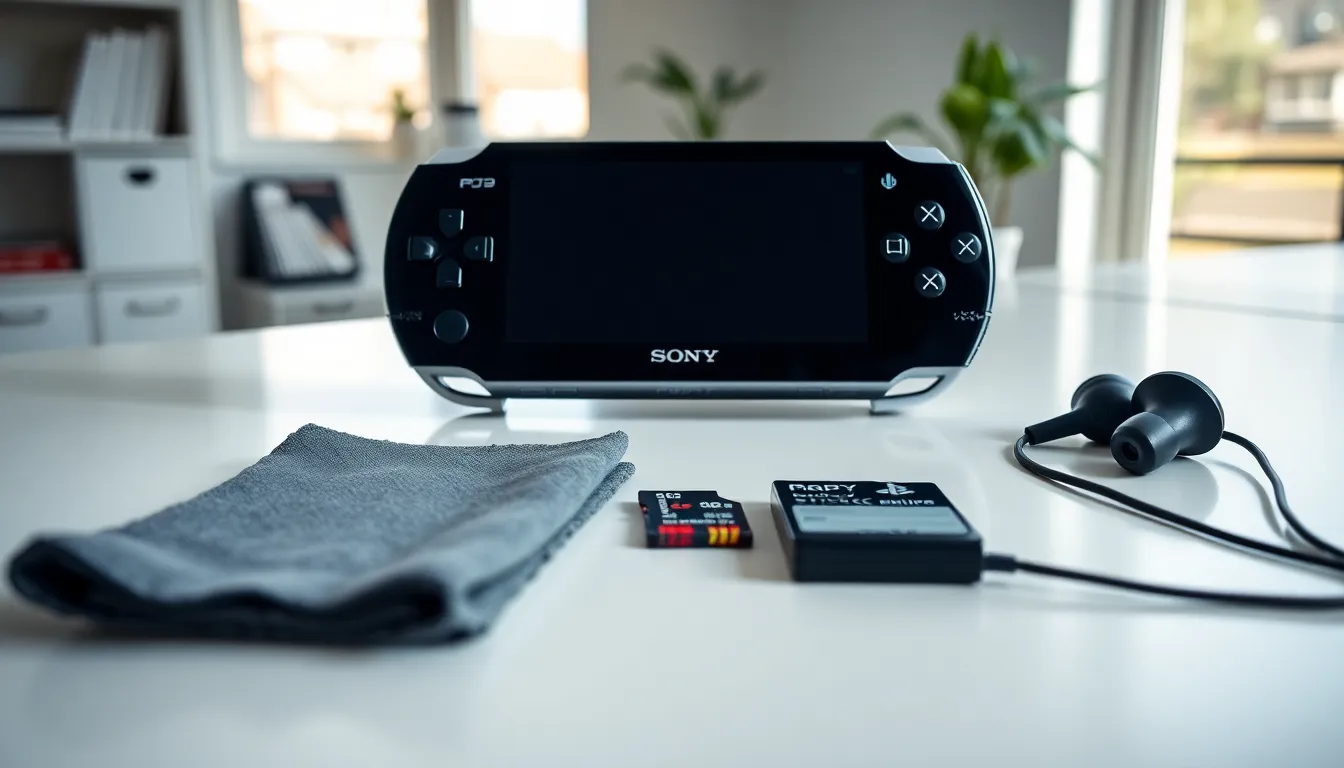
PlayStation Portable tips can transform how players experience Sony’s iconic handheld console. The PSP remains a beloved device for gaming, media, and entertainment. Many owners don’t realize how much performance they can unlock with simple adjustments.
This guide covers practical strategies to extend battery life, optimize settings, and keep the console running smoothly. Whether the PSP is a recent find or a long-time companion, these tips will help users get more from every session.
Table of Contents
ToggleKey Takeaways
- Lower screen brightness and disable Wi-Fi during single-player sessions to significantly extend your PSP’s battery life.
- Use headphones instead of speakers for longer playtime and better audio quality on your PlayStation Portable.
- Regularly delete unused game data and organize content into folders to keep your memory stick running efficiently.
- Master the sleep mode shortcut by holding the power switch briefly to pause and resume games instantly.
- Clean your PSP screen with a microfiber cloth and store it in a protective case to maintain its condition for years.
- PSP-2000 and PSP-3000 owners can connect to a TV via component cables for a bigger screen gaming experience.
Extend Your Battery Life
Battery life is one of the biggest concerns for PSP owners. The original battery lasts roughly four to six hours, depending on usage. Players can stretch that time significantly with a few smart adjustments.
Lower the screen brightness. The display consumes the most power on any PSP model. Users should press the display button to cycle through brightness levels and choose the lowest comfortable setting. Playing indoors often allows for the dimmest option without sacrificing visibility.
Turn off Wi-Fi when not in use. The wireless switch on the left side of the PSP controls the WLAN. Keeping it off during single-player games saves considerable battery. Only enable Wi-Fi for multiplayer sessions or downloads.
Use headphones instead of speakers. The built-in speakers require more power than a standard headphone jack connection. Headphones also provide better audio quality, so this tip offers two benefits at once.
Close background applications. If the PSP is running music or other features alongside a game, battery drain increases. Sticking to one task at a time helps preserve power for longer play sessions.
Consider purchasing an extended battery for serious portable gaming. Third-party options still exist, though quality varies. Check reviews before buying any replacement battery.
Optimize Display and Audio Settings
The PSP offers several display and audio options that many users overlook. Taking time to adjust these settings can improve both visual quality and sound output.
Adjust the display color settings. Under System Settings, the PSP allows users to modify color space. Some games look better with specific color profiles. Experimenting with these options often reveals improved visuals.
Enable scan lines for retro games. When playing classic PlayStation titles via emulation, the scan line filter can add an authentic retro feel. This setting appears in the game’s options menu during PS1 playback.
Set the correct aspect ratio. PSP games run at native 16:9, but PS1 games and some videos use 4:3. Stretching older content to fill the screen distorts the image. Keep aspect ratio settings on “Normal” for the intended viewing experience.
Configure audio output properly. For users connecting their PSP to external speakers or a TV via component cables, checking the audio output settings matters. The system can output stereo or mono audio depending on the connection type.
Players who watch movies on their PSP should also explore the video brightness settings. These controls are separate from game brightness and can improve visibility for darker films.
Manage Storage and Memory Efficiently
PSP storage relies on Memory Stick Pro Duo cards. Managing this space effectively keeps the system organized and responsive.
Delete unused game data. Many PSP games create save files and installation data that remain after the disc is removed. Users should periodically check the Game menu and delete data from titles they no longer play. This frees up valuable space.
Organize content into folders. The PSP allows users to create folders for games, music, and videos. A clean file structure makes finding content faster. Use a computer to create folder hierarchies on the memory stick.
Format the memory stick occasionally. If the PSP runs slowly or shows errors, formatting the memory stick can help. Back up all data to a computer first, then format through System Settings. This process clears corrupted data and restores performance.
Invest in larger storage. Memory Stick Pro Duo cards up to 32GB work with the PSP. Larger storage means more games, music, and videos without constant file management. Prices for these cards have dropped significantly since the PSP’s peak years.
Players who download games from the PlayStation Store should verify they have enough free space before starting. Interrupted downloads can sometimes cause issues with the memory stick.
Improve Your Gaming Experience
Several PlayStation Portable tips focus specifically on enhancing gameplay. These adjustments help players perform better and enjoy games more fully.
Learn the sleep mode shortcut. Holding the power switch up briefly puts the PSP into sleep mode without closing the game. This feature lets players pause instantly and resume exactly where they left off. It’s perfect for portable gaming sessions interrupted by real life.
Use the analog nub effectively. The PSP’s analog nub differs from traditional joysticks. Players should apply gentle pressure and use sweeping motions rather than hard pushes. This technique improves accuracy in action games and reduces wear on the component.
Customize button assignments when possible. Some PSP games allow control remapping. Players with specific preferences should check each game’s options menu. Comfortable controls directly impact performance in competitive or challenging titles.
Connect to a TV for bigger screen gaming. PSP-2000 and PSP-3000 models support video output via component or composite cables. Playing on a television provides a different experience, especially for multiplayer games with friends.
Explore custom firmware options. For owners comfortable with modifications, custom firmware opens access to homebrew applications and additional features. This path requires research and carries some risk, but it extends the PSP’s capabilities significantly.
Keep Your PSP in Top Condition
Physical maintenance extends the life of any PSP console. A few regular habits prevent common problems and keep the device looking good.
Clean the screen properly. Use a microfiber cloth to wipe the screen gently. Avoid paper towels or rough fabrics that can scratch the surface. For stubborn smudges, dampen the cloth slightly with water, never apply liquid directly to the screen.
Store the PSP in a case. A protective case prevents scratches, dust buildup, and accidental damage during transport. Hard cases offer the best protection, while soft pouches work for everyday carrying.
Keep the UMD drive clean. Dust inside the disc drive can cause read errors. Users can blow compressed air into the drive slot to remove particles. Never insert objects into the drive to clean it.
Charge the battery correctly. Let the battery drain occasionally before recharging to maintain its health. Storing the PSP for long periods requires a partial charge, around 50%, to prevent battery degradation.
Check for firmware updates. While Sony no longer actively supports the PSP, ensuring the latest official firmware is installed provides the best compatibility and security. Updates can still be found on Sony’s website.
Regular care keeps a PSP functional for years. Many consoles from 2005 still work perfectly because their owners followed these basic maintenance steps.

