

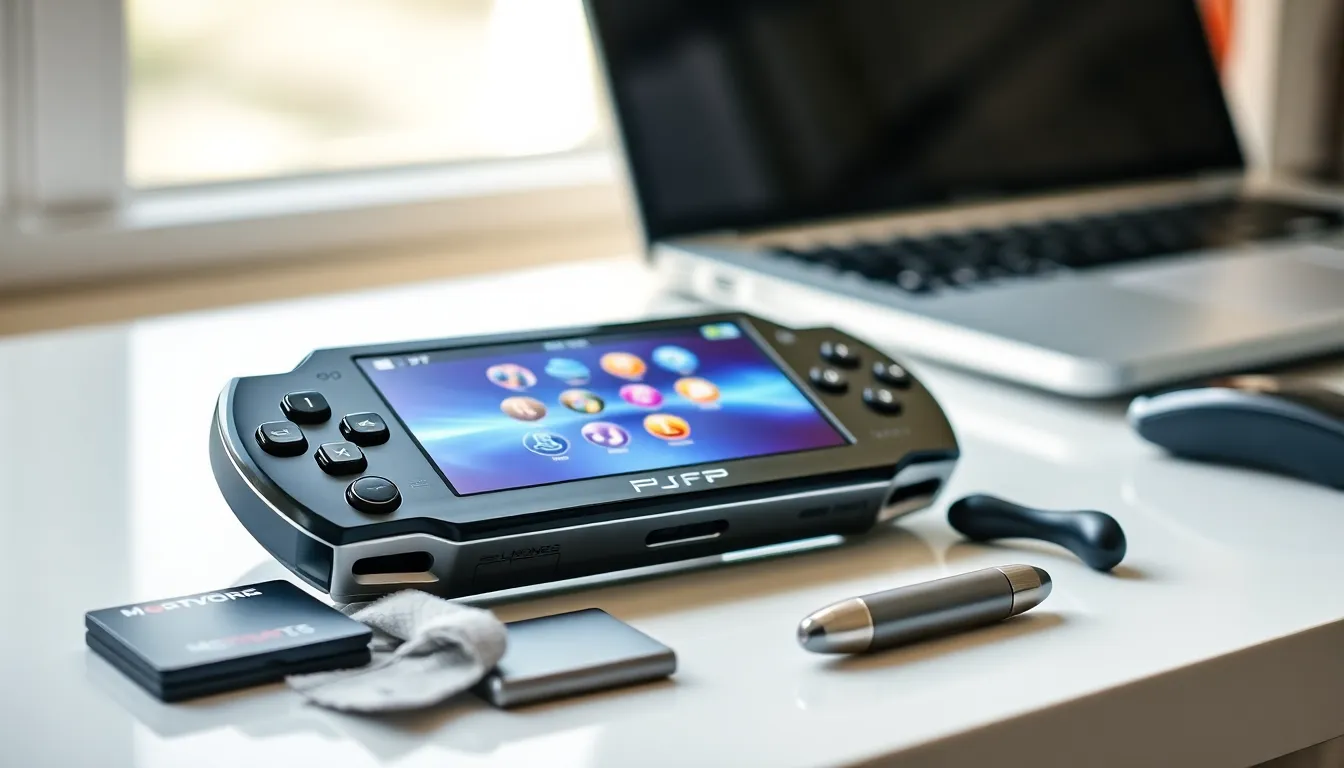
PlayStation Portable techniques can transform a good gaming experience into a great one. Sony’s handheld console may have officially retired, but millions of PSP units remain in active use worldwide. Gamers continue to discover new ways to push this hardware beyond its original limits.
Whether someone dusted off an old PSP from a closet or picked one up recently, mastering a few key techniques makes all the difference. This guide covers hardware optimization, gaming strategies, custom firmware basics, media playback tips, and battery maintenance. Each section delivers practical advice that PSP owners can apply immediately.
Table of Contents
ToggleKey Takeaways
- Mastering PlayStation Portable techniques like CPU clock speed adjustment and data installs significantly improves game performance and load times.
- Custom firmware (CFW) unlocks homebrew apps, game backups, and plugin support, extending your PSP’s capabilities far beyond stock features.
- Lowering screen brightness to level 2 or 3 adds 30–45 minutes of battery life per level reduced—the easiest power-saving win.
- Using a 32GB Memory Stick Pro Duo rated at 15MB/s or higher provides ample storage and faster load times for games and media.
- Store your PSP battery at 50% charge in a cool environment to preserve its lifespan during extended periods of non-use.
- Sleep mode lets you pause mid-game instantly without losing progress and uses minimal battery, making it perfect for on-the-go sessions.
Getting the Most Out of Your PSP Hardware
The PSP hardware offers surprising flexibility for a device released in 2004. Understanding its components helps users maximize performance and longevity.
Screen Care and Settings
The PSP’s LCD screen remains one of its best features. Adjusting brightness to 2 or 3 (out of 4) provides a good balance between visibility and battery consumption. Users should clean the screen with a microfiber cloth only, paper towels can scratch the surface.
A screen protector prevents scratches during transport. Many PSP owners skip this step and regret it later. Quality protectors cost under five dollars and save the display from permanent damage.
Memory Stick Selection
The PSP uses Memory Stick Pro Duo format. Original Sony cards work best, but third-party options from SanDisk and other brands perform well too. A 32GB card provides ample space for games, saves, music, and videos.
Faster memory sticks improve load times slightly. Cards rated at 15MB/s or higher deliver the best results. Slower cards work fine but add seconds to each loading screen.
Analog Stick Maintenance
The analog nub on PSP models tends to wear down over time. Replacement nubs cost a few dollars online and take about ten minutes to install. Keeping a spare on hand prevents gaming interruptions.
For sticky or unresponsive sticks, a small amount of isopropyl alcohol on a cotton swab cleans debris from around the base. This simple PlayStation Portable technique restores smooth movement in most cases.
Essential Gaming Techniques for Better Performance
Specific PlayStation Portable techniques improve gameplay across nearly every title. These methods work on stock firmware and custom setups alike.
CPU Clock Speed Adjustment
The PSP processor runs at 222MHz by default, but it can reach 333MHz. Some games automatically use the higher speed. Others require manual adjustment through custom firmware settings.
Running at 333MHz reduces battery life by roughly 15-20%. But, demanding games like God of War: Chains of Olympus and Crisis Core benefit significantly from the extra processing power. Frame rates stabilize and load times decrease.
Data Install Features
Many PSP games offer data install options. This feature copies game files from the UMD disc to the memory stick. Installed data loads faster than disc reads, cutting loading screens substantially.
Games like Monster Hunter Freedom Unite and Metal Gear Solid: Peace Walker include multiple install size options. Larger installs provide better performance but consume more storage space. Users should balance available memory against their performance needs.
Sleep Mode Strategy
The PSP’s sleep mode preserves game state perfectly. Pressing the power switch briefly puts the system to sleep rather than shutting it down. This technique lets players pause mid-game without losing progress or waiting through startup sequences.
Sleep mode draws minimal battery power. A fully charged PSP can remain in sleep mode for days. This makes the console ideal for quick gaming sessions during commutes or breaks.
Custom Firmware and Homebrew Basics
Custom firmware (CFW) opens significant possibilities for PSP owners. These modifications let users run homebrew applications, backup games to memory stick, and access features Sony never officially supported.
Understanding CFW Options
The most popular custom firmware options include PRO-C and LME. Both work on all PSP models. Installation requires downloading files to the memory stick and running an installer from the XMB menu.
Permanent CFW installations survive reboots on older PSP models (1000 and early 2000 series). Newer models require running a fast recovery tool after each restart. The process takes about five seconds.
ISO and CSO Game Loading
Custom firmware enables loading games directly from the memory stick. Games stored as ISO or CSO files launch through the XMB game menu. CSO files use compression to save space, a 1.5GB game might shrink to 800MB.
This PlayStation Portable technique benefits users who want to preserve their UMD collection. Physical discs wear out and scratch over time. Digital backups ensure games remain playable indefinitely.
Plugin Support
CFW supports plugins that modify system behavior. Popular options include screenshot tools, cheat engines, and button remapping utilities. The CXMB plugin allows custom themes beyond Sony’s official offerings.
Plugins load from a text file on the memory stick. Users simply add or remove lines to enable or disable specific features. Most plugins consume negligible system resources.
Media and Emulation Optimization Tips
The PSP handles media playback and emulation surprisingly well. A few PlayStation Portable techniques unlock its full potential as a portable entertainment device.
Video Format Optimization
The PSP plays MP4 and AVI files natively. For best results, users should encode videos at 480×272 resolution, the screen’s native dimensions. Higher resolution files waste storage space without improving picture quality.
Handbrake and similar tools convert videos to PSP-compatible formats quickly. A 90-minute movie typically fits in 400-600MB at good quality. The baseline H.264 profile ensures smooth playback without dropped frames.
Emulator Performance
The PSP runs emulators for numerous classic systems. NES, SNES, Genesis, and Game Boy titles play nearly flawlessly. PlayStation 1 emulation works through the official Sony emulator included with PS1 classics.
Some emulators benefit from frameskip settings. Enabling frameskip 1 or 2 maintains playable speeds on demanding games while accepting minor visual compromises. Each emulator has unique settings worth experimenting with.
Audio File Management
The PSP’s music player supports MP3, AAC, and ATRAC3 formats. MP3 offers the best compatibility. Organizing files into folders on the memory stick keeps large collections manageable.
Playlists created on a computer transfer to the PSP easily. The system reads M3U playlist files stored in the MUSIC folder. This technique helps users create mood-specific or genre-based listening sessions.
Battery Life and Maintenance Strategies
Battery management determines how long each gaming session lasts. These PlayStation Portable techniques extend playtime and preserve battery health over years of use.
Original vs. Extended Batteries
Standard PSP batteries provide 4-6 hours of gameplay depending on settings and game demands. Extended batteries double this capacity but add weight and bulk. Users who primarily play at home might prefer the lighter standard battery.
Third-party replacement batteries vary wildly in quality. Stick with well-reviewed options from established sellers. Cheap batteries often deliver less capacity than advertised and may fail prematurely.
Power-Saving Settings
Reducing screen brightness offers the single biggest battery improvement. Each brightness level decrease adds roughly 30-45 minutes of playtime. Turning off WiFi when not in use saves additional power.
The PSP’s power save mode dims the screen after periods of inactivity. This feature prevents battery drain during pauses but can feel intrusive during cutscenes. Users can disable it in system settings if preferred.
Long-Term Storage
Batteries degrade faster at full charge or complete depletion. For long-term storage, users should charge the battery to approximately 50% before putting the PSP away. Storing at room temperature rather than extreme heat or cold extends battery lifespan.
Lithium batteries lose capacity over time regardless of use. After 8-10 years, most original PSP batteries hold significantly less charge. Replacement batteries remain available online for reasonable prices.

