

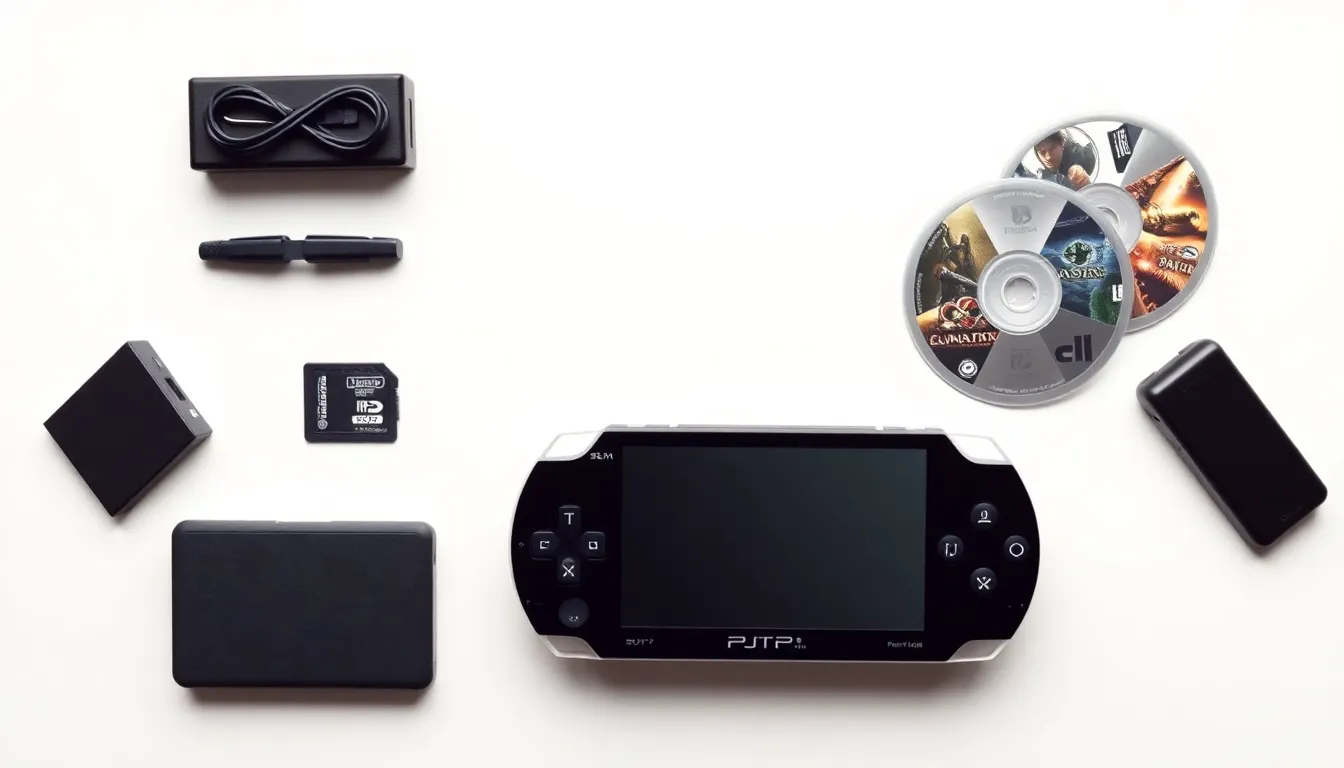
This PlayStation Portable guide covers everything owners need to know about Sony’s iconic handheld console. The PSP launched in 2004 and quickly became one of the best-selling portable gaming devices of its era. Sony sold over 80 million units worldwide before discontinuing production in 2014. Even though being a legacy system, the PlayStation Portable remains popular among collectors, retro gaming fans, and anyone who wants a dedicated handheld experience. Whether someone just picked up a used PSP or wants to get more from an existing device, this guide breaks down the hardware, features, games, and maintenance tips that matter most.
Table of Contents
ToggleKey Takeaways
- Sony released four main PSP models between 2004 and 2009, with the PSP-3000 offering the best screen quality for most users.
- This PlayStation Portable guide highlights that the handheld remains region-free for games, making it ideal for importing titles unavailable in Western markets.
- Replace aging batteries with third-party options and store the device at a partial charge to extend battery life.
- The PSP library includes over 800 games, with standout exclusives like Crisis Core: Final Fantasy VII and Monster Hunter Freedom still worth playing today.
- Use microSD adapters instead of expensive Memory Stick Pro Duo cards to save money on storage.
- Keep firmware updated to version 6.61 for the most stable gaming and system experience.
PSP Hardware Overview and Specifications
Sony released several PlayStation Portable models over the console’s lifespan. Each version brought improvements while keeping the core gaming experience intact.
The original PSP-1000 debuted with a 4.3-inch widescreen LCD display running at 480×272 resolution. It featured a 333 MHz processor (initially locked at 222 MHz for battery life), 32 MB of RAM, and built-in Wi-Fi. The device weighed approximately 280 grams and measured 170mm x 74mm x 23mm.
Sony followed up with the PSP-2000 (Slim & Lite) in 2007. This model dropped the weight to 189 grams and added video output capabilities. It also doubled the RAM to 64 MB, which improved load times for certain games.
The PSP-3000 arrived in 2008 with an improved LCD screen featuring better contrast and color reproduction. Sony also added a built-in microphone for voice chat in supported games.
Finally, the PSP Go (N1000) launched in 2009 as a digital-only variant. It featured a sliding screen design, 16 GB of internal storage, and Bluetooth support. But, it couldn’t play physical UMD discs, which limited its appeal for existing PSP owners.
All PlayStation Portable models use the same proprietary Memory Stick Pro Duo format for storage. Users can find adapters that accept standard microSD cards as a cheaper alternative today.
Essential Features and Capabilities
The PlayStation Portable offered more than just gaming. Sony positioned it as a multimedia device, and the feature set reflected that ambition.
Gaming Controls
The PSP includes a D-pad, four face buttons (Triangle, Circle, Cross, Square), two shoulder buttons (L and R), and an analog nub. The analog nub differs from a traditional joystick, it slides rather than tilts. Some players find it takes adjustment, but it works well once users get comfortable with the feel.
Media Playback
Sony built strong media capabilities into every PlayStation Portable model. The device plays MP4 and AVC video files, MP3 and AAC audio, and displays JPEG images. Users can store media on Memory Stick Pro Duo cards and access everything through the XMB (XrossMediaBar) interface.
The PSP also supported UMD movies, though this format never gained traction with consumers. Physical movie discs are now collector’s items rather than practical purchases.
Connectivity Options
Wi-Fi enables online multiplayer in supported games and allows users to browse the web through the built-in browser. The PlayStation Store was accessible until 2021, when Sony closed the storefront for PSP. Ad-hoc mode lets multiple PSP owners connect locally for multiplayer sessions without internet access.
Remote Play
Sony introduced Remote Play on the PlayStation Portable, letting users stream certain PS3 games and media to their handheld. The feature worked best over local networks, and game compatibility varied. Still, it was an impressive addition for its time.
Building Your PSP Game Library
The PlayStation Portable library contains over 800 games spanning multiple genres. Some titles remain exclusive to the platform, while others are available on PlayStation Store for Vita or through other means.
Must-Play Exclusives
Several games defined the PSP experience. “Crisis Core: Final Fantasy VII” delivers an action RPG prequel to the beloved PS1 classic. “God of War: Chains of Olympus” and “Ghost of Sparta” bring the brutal action series to handheld form. “Metal Gear Solid: Peace Walker” offers a full-length stealth experience that many consider essential.
The “Monster Hunter Freedom” series found massive success on PSP, particularly in Japan. “Patapon” and “LocoRoco” showcase creative gameplay that takes advantage of the portable format.
Finding Games Today
Physical UMD games remain available through secondhand markets, gaming stores, and online retailers. Prices vary widely based on rarity. Common titles sell for under $10, while sought-after games like “Persona 3 Portable” can command $50 or more.
Digital purchases are no longer possible directly on the PSP since Sony closed the storefront. But, users who previously bought digital games can still re-download them by accessing their PlayStation Network account through the device.
Region Considerations
The PlayStation Portable is region-free for games. A North American PSP plays Japanese or European game discs without issues. UMD movies, but, are region-locked. This flexibility makes the PSP attractive for importing titles that never received Western releases.
Tips for Maintaining and Caring for Your PSP
A well-maintained PlayStation Portable can last for years. These practical tips help owners keep their devices running smoothly.
Battery Care
Original PSP batteries degrade over time. Many units from the 2000s now have swollen or dead batteries. Replacement batteries are available from third-party manufacturers. Look for options with good reviews, as quality varies. The PSP-2000 and PSP-3000 share the same battery model (PSP-S110), while the PSP-1000 uses the larger PSP-110.
Store the device with a partial charge rather than fully drained or fully charged. This practice extends battery longevity.
Screen Protection
The PSP screen scratches easily. A screen protector prevents damage during regular use and transport. Hard cases or soft pouches offer additional protection when carrying the device.
UMD Drive Maintenance
The UMD drive contains moving parts that can fail. Keep discs clean before inserting them. If a drive starts making unusual noises or fails to read discs, replacement parts are available online for DIY repair.
Cleaning the Device
Use a microfiber cloth to wipe the screen and body. Compressed air removes dust from buttons and ports. Avoid liquid cleaners near openings. For stubborn grime around buttons, a cotton swab with isopropyl alcohol works well.
Firmware Updates
The final official firmware version is 6.61. This update provides the most stable experience for playing games and using system features. Users can download the update file from Sony’s website and install it via Memory Stick.

